


AirDrop Alternative For Android And Windows Users
- Ajay Boddinagula
- Feb 2, 2020
- 1 min read
Updated: May 7, 2020
Android users can use an open-source web-based alternative for AirDrop, known as Snapdrop. This speedy file-sharing progressive web app is perfect for users who have always longed for a hassle-free method to transfer files from android to mac and, even Android to windows

How to use Snapdrop?

The open-source AirDrop alternative is quite straightforward to use. Users only need to be on the same local network, and they are good to go.
Simply open the Snapdrop webpage on both the devices. Both will see each other’s icons on the homepage. Tap on the icon and the device will ask you to locate and select the file.
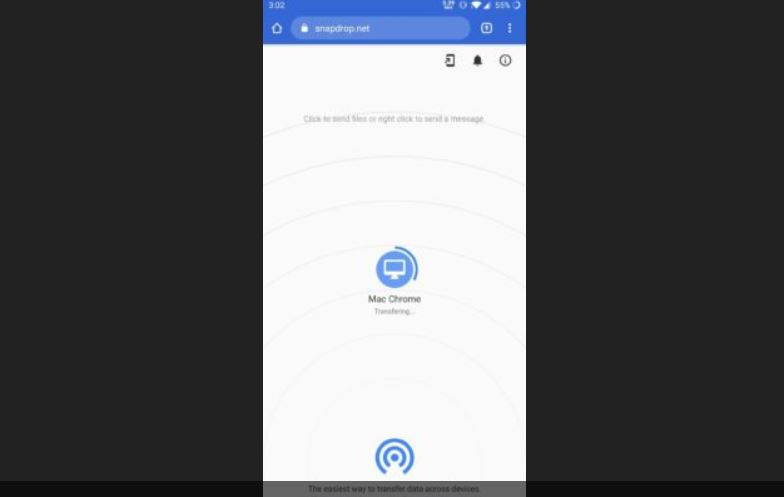
install the Snapdrop Web App from the homepage that will further speed up the sharing process.

While other fast file-sharing services try to compete with Apple’s AirDrop, Snapdrop is one of the quickest and doesn’t require you to set up an account.
Moreover, I did not see a restriction on how large a file can be or the number of files that can be sent. However, SnapDrop lacks one feature: users cannot edit who can be discovered, unlike AirDrop where one can set it to “Contacts only.”
Another problem with this AirDrop alternative is that users can’t edit their device names, which might create a mess when the service gets more popular among the techies.

Comments